Rötuş & Stüdyo Çekimleri
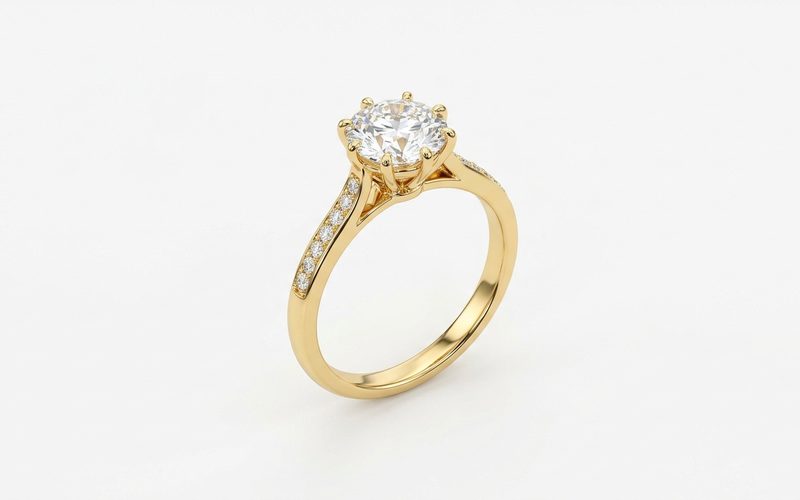
Tertemiz beyaz fon, kontrollü ışık ve keskin detay — herhangi bir fotoğraftan sunuma hazır ürün çekimi.
Kuyumcunun tüm görsel operasyonu tek bağlı akışta: ürün kataloğu, Karat çekimleri, rötuş, kreatif fotoğraf, modelde gör, tanıtım videosu, reklam ve mağazaya yayın.
Solda telefonla çekilmiş hali, sağda stüdyo versiyonu — gerçek akış, gerçek sonuç.
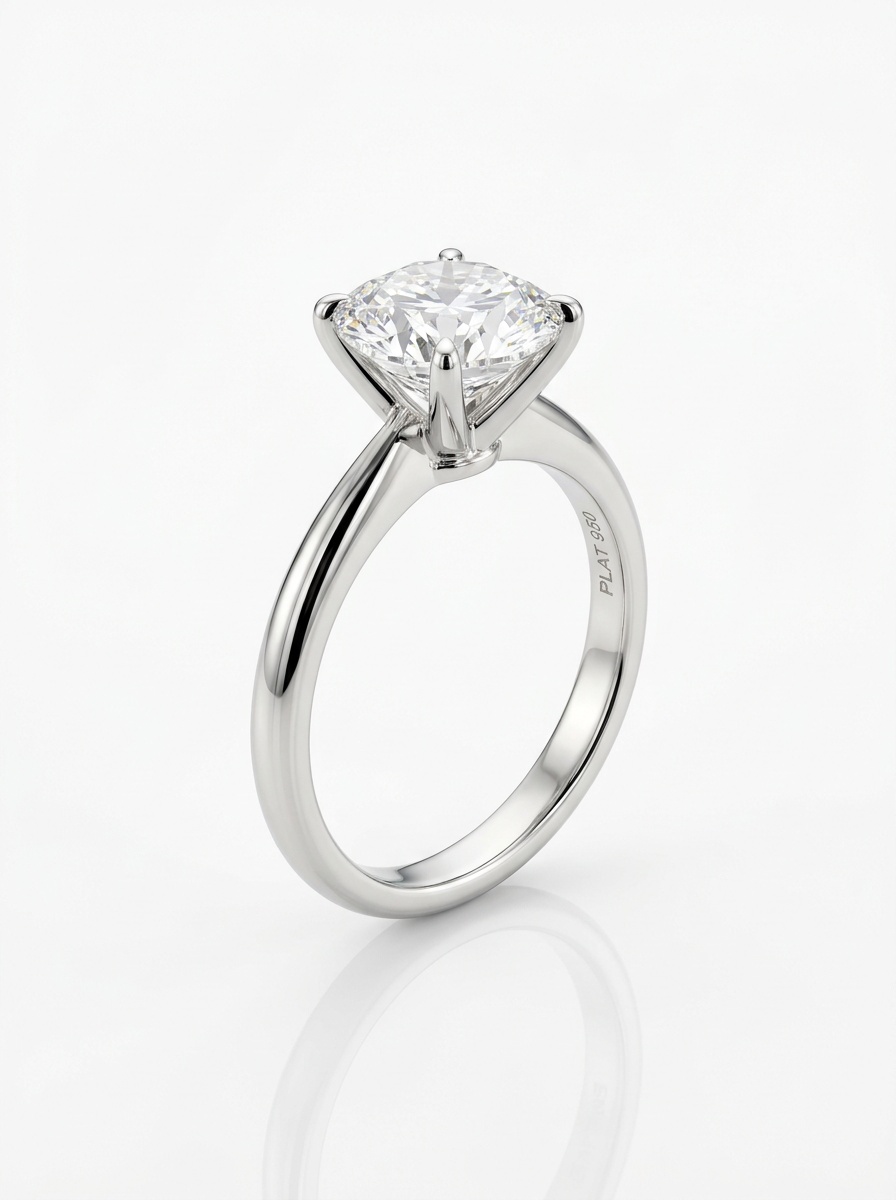
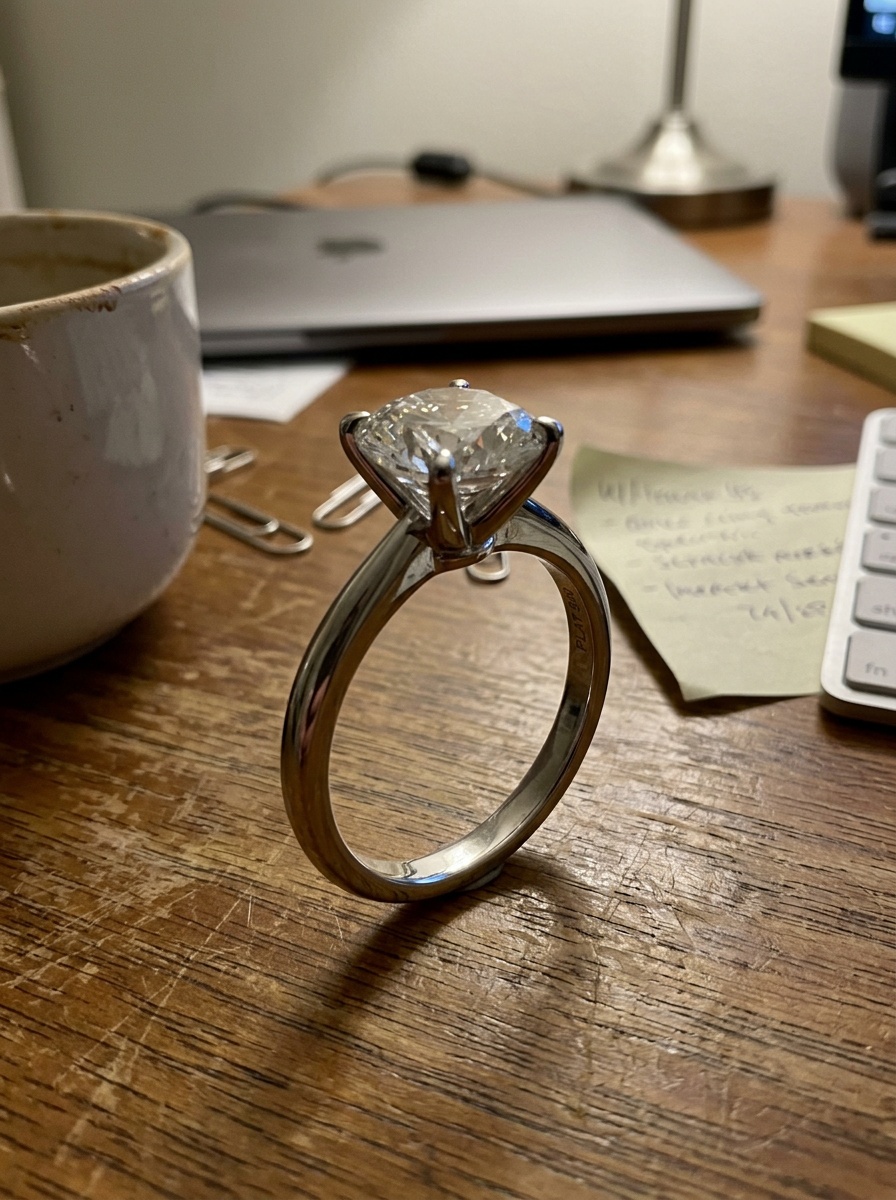
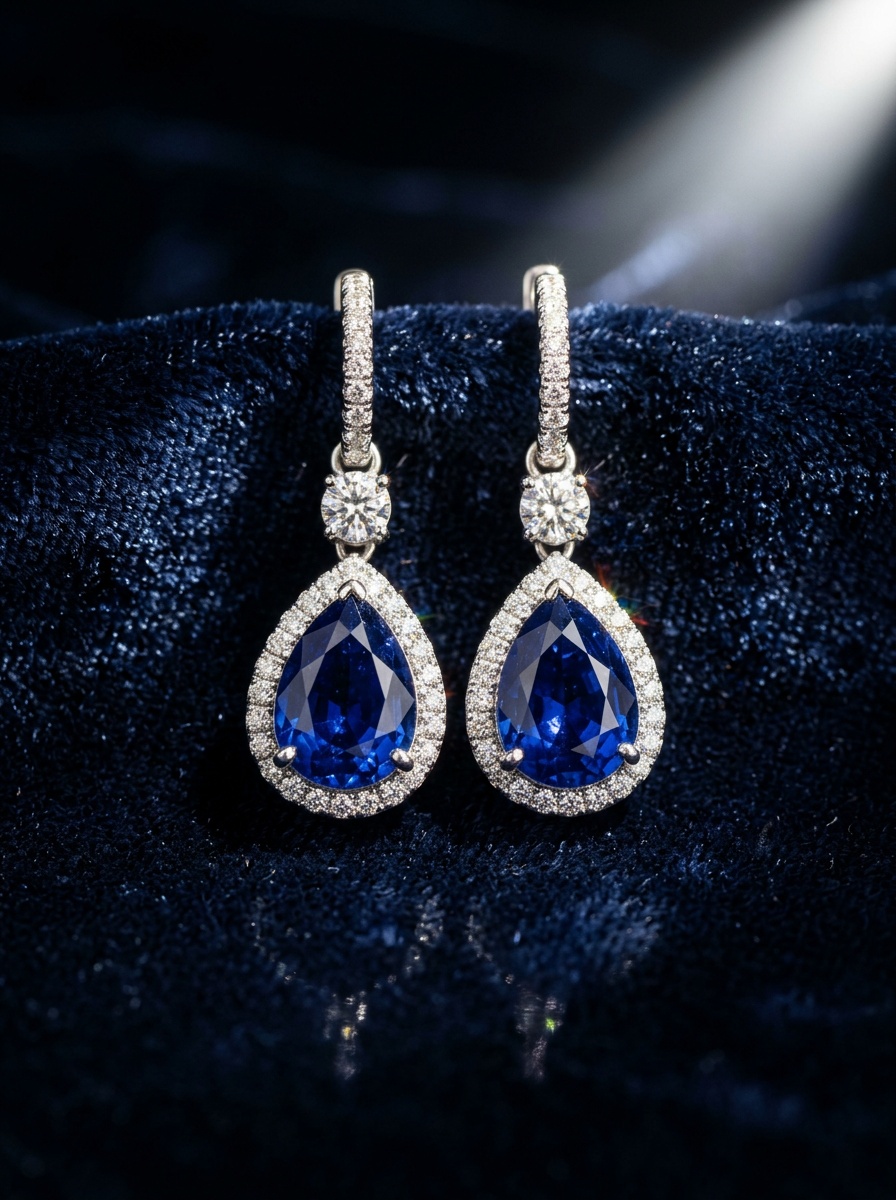
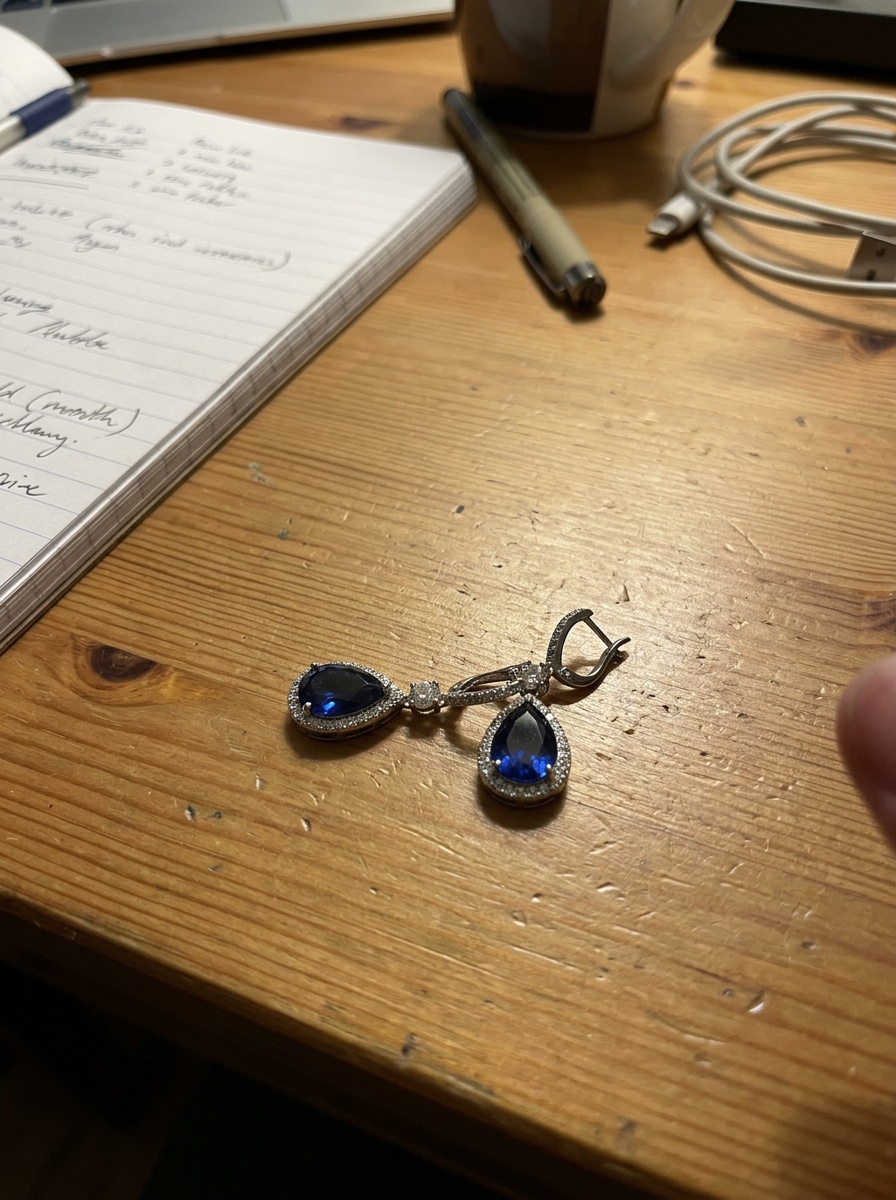
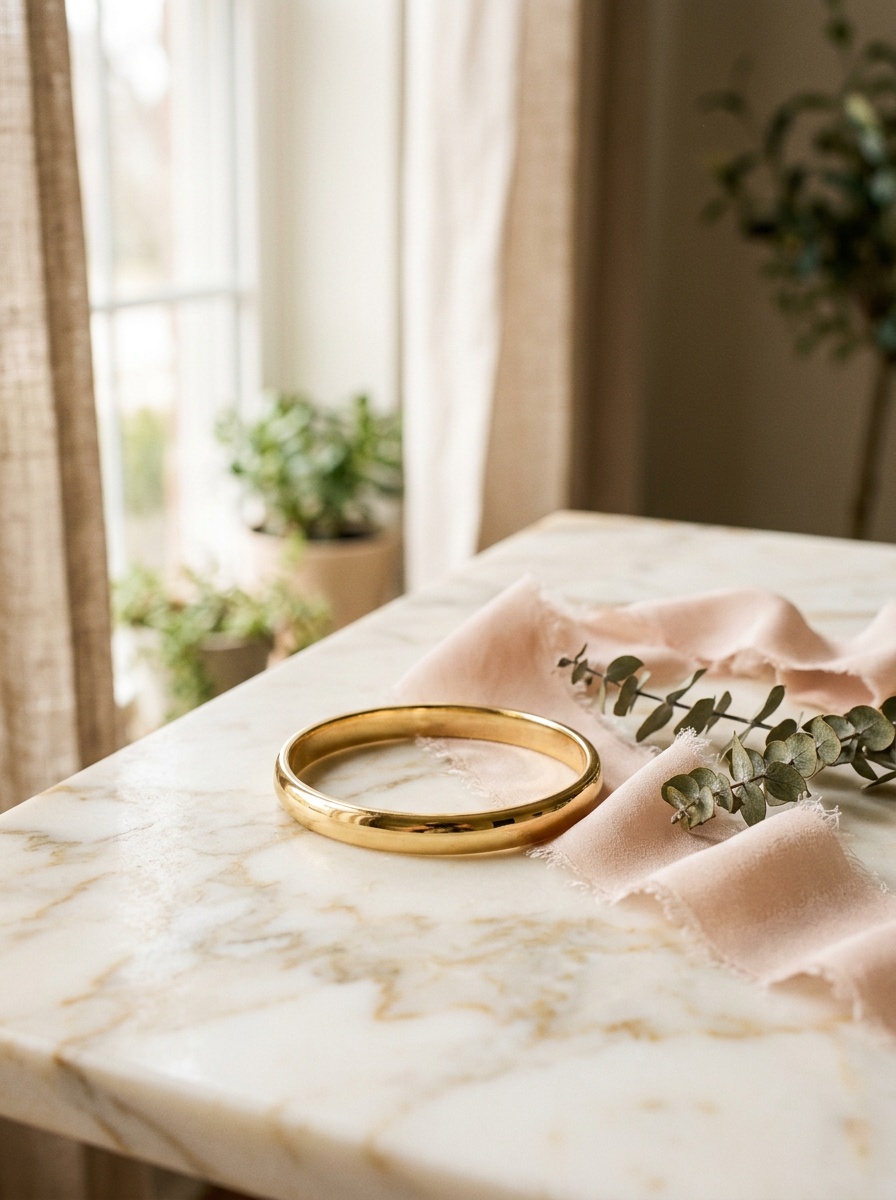
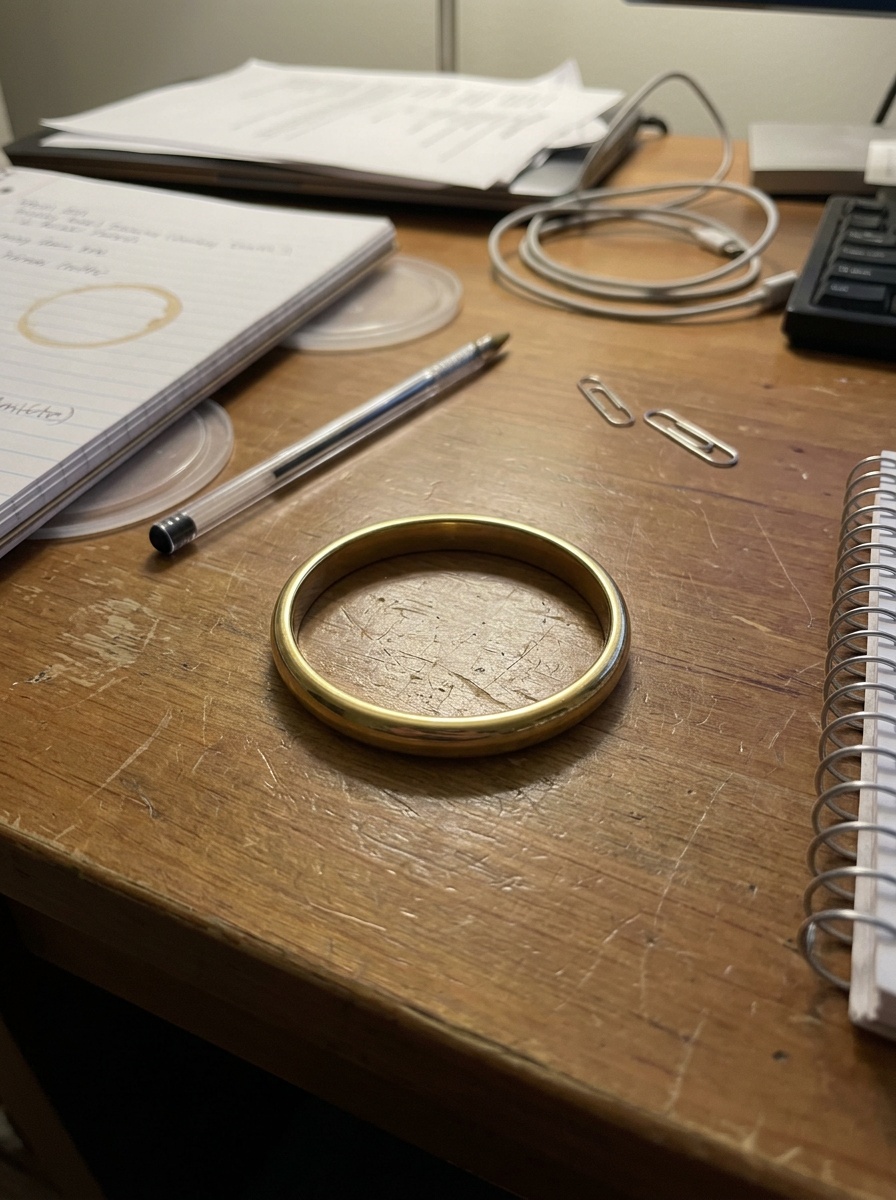
Sattığınız parçaları yükleyin; kataloğunuzun, kampanyalarınızın ve ürün sayfalarınızın istediği her görseli üretin.
Tertemiz beyaz fon, kontrollü ışık ve keskin detay — herhangi bir fotoğraftan sunuma hazır ürün çekimi.
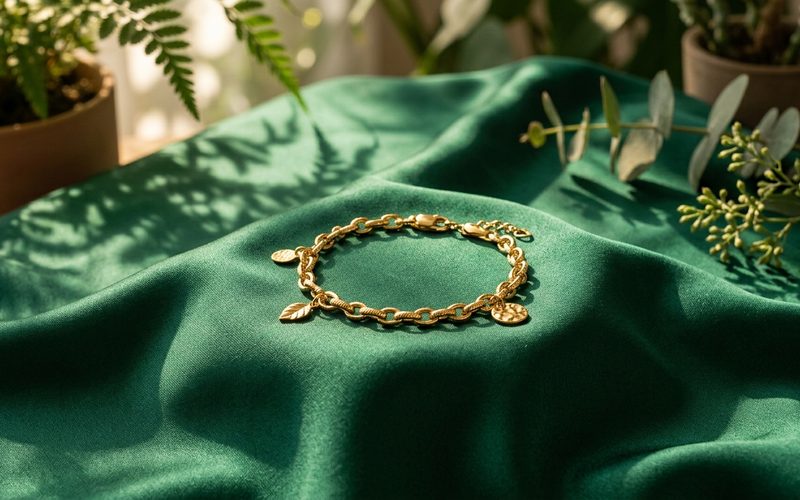
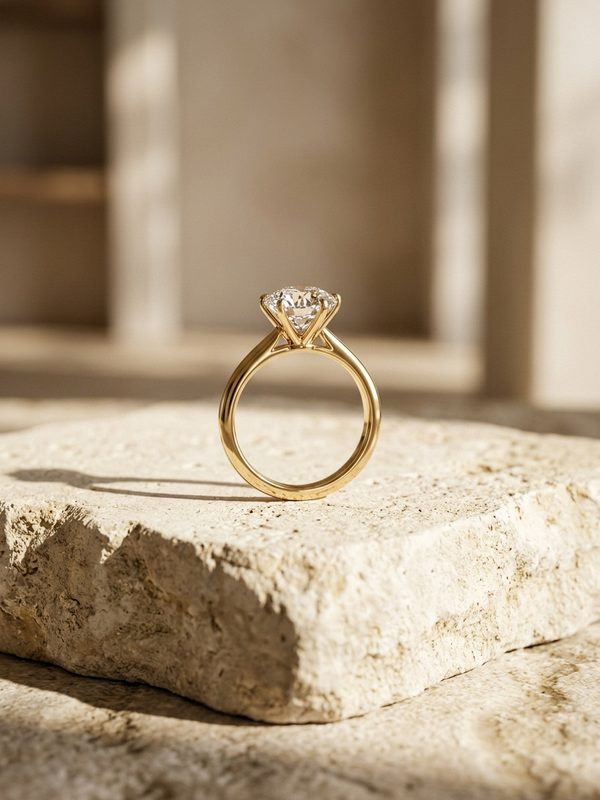
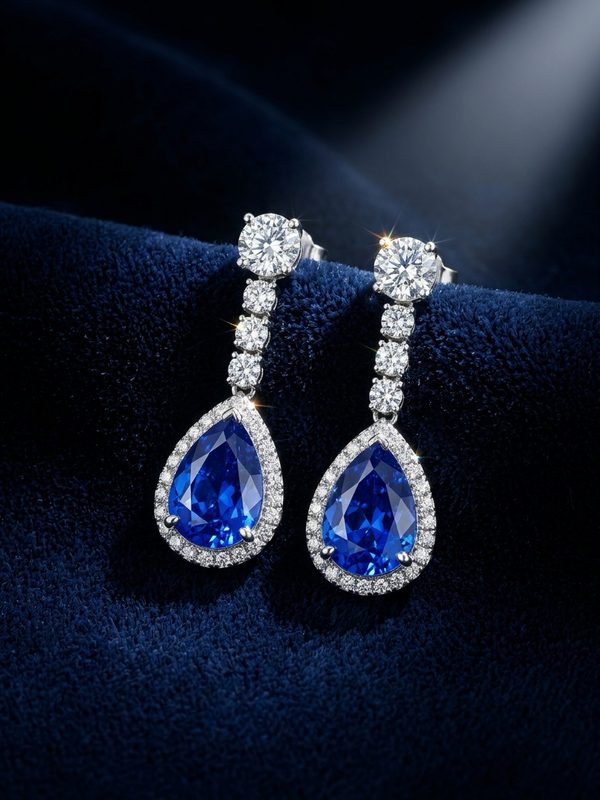
Mermer, ipek, botanik ya da koyu editoryal setler — tek seçimle parçanızın etrafına kurulmuş kampanya görselleri.
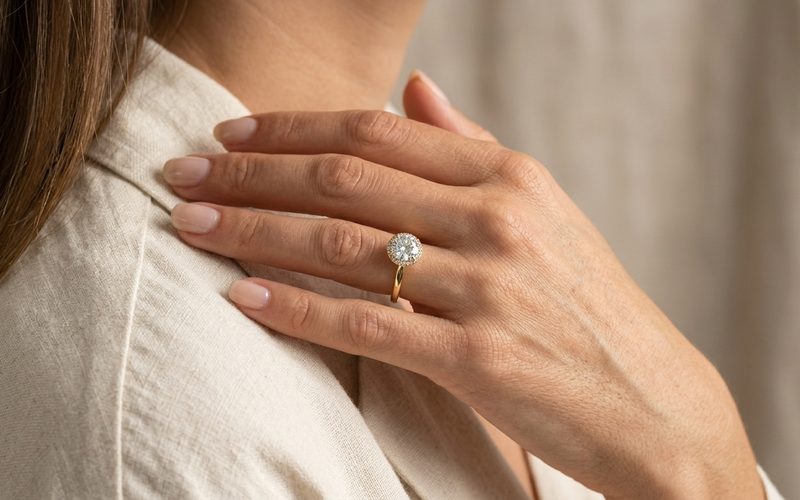
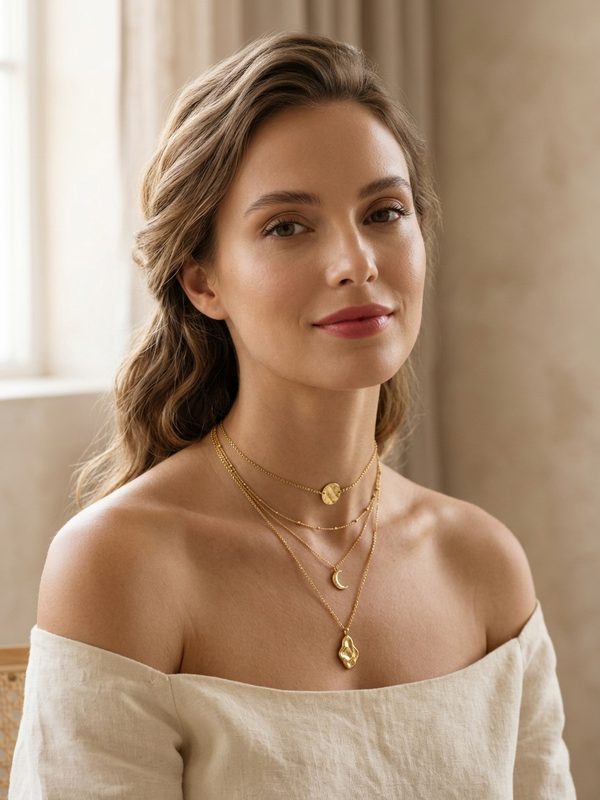
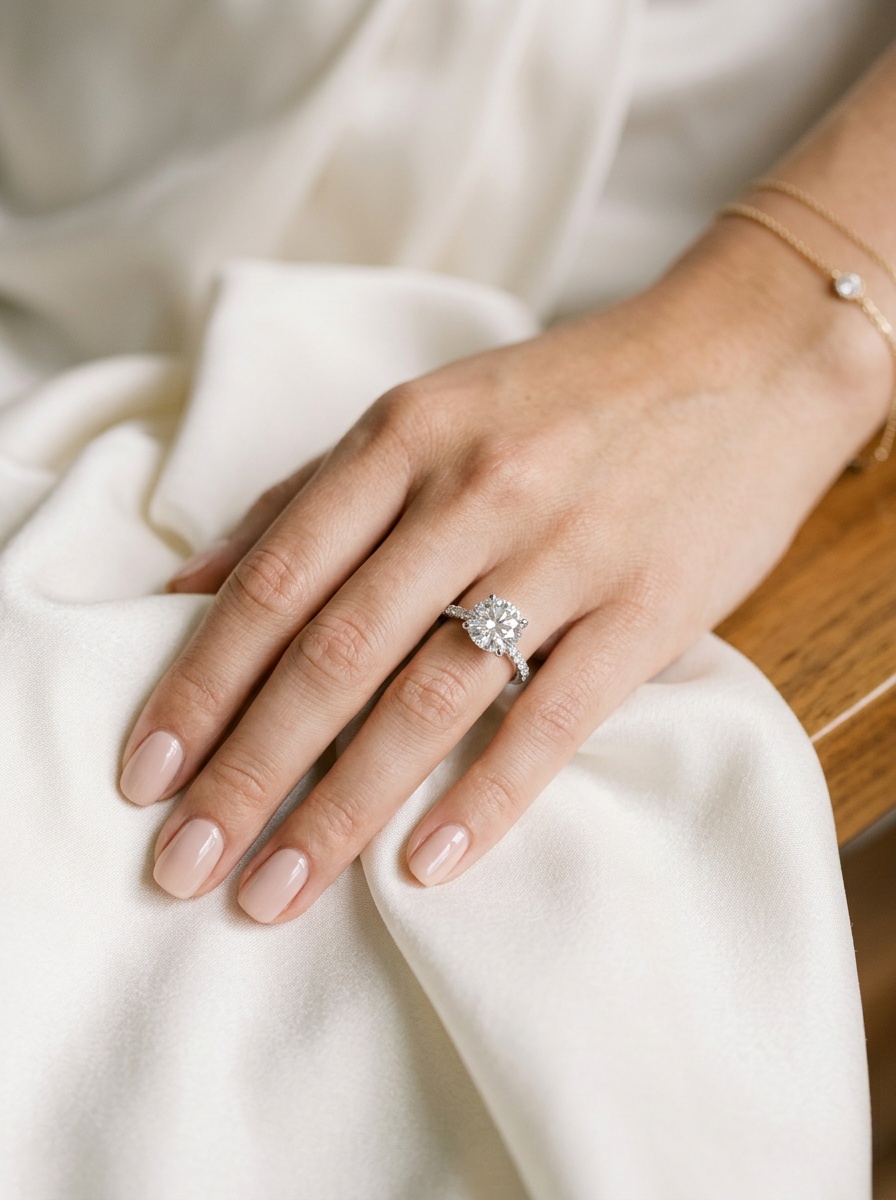
Parmakta yüzük, boyunda kolye, kulakta küpe, bilekte bileklik — tarif ettiğiniz bir modelde ya da yüklediğiniz fotoğraftaki kişide.
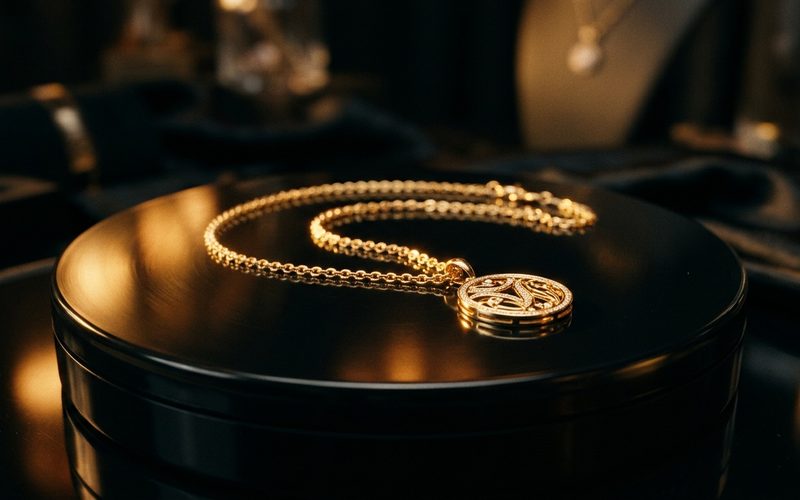
Fotoğraflarınızdan akıcı 360° dönüşler ve sinematik ürün videoları — daha fazla açı eklerseniz dönüş daha da tutarlı olur.
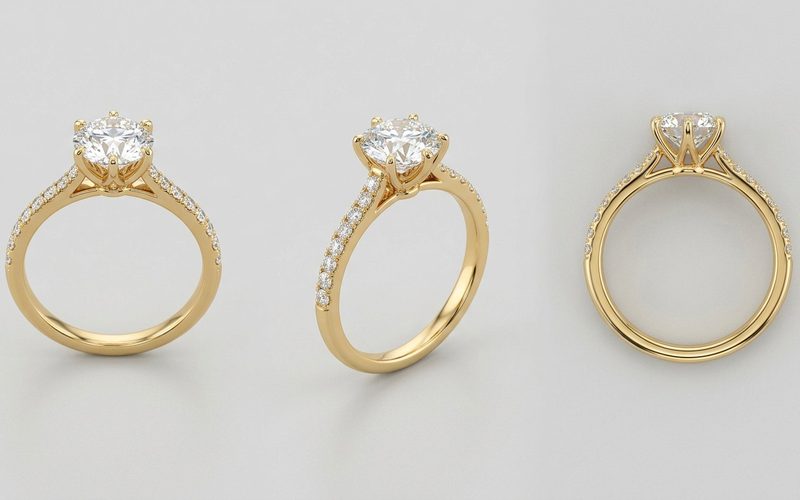
Tek fotoğraf da verebilirsiniz, birkaç açı da — her ek açı, videolarda ve denemelerde tutarlılığı artırır.
Bütün akış tarayıcınızda — yükleyin, seçin, indirin.
Aynı takının bir ya da birkaç açıdan fotoğrafını bırakın — telefon çekimi yeterli.
İstediğiniz sonucu seçin, hazır görünümlerden birinden başlayıp ayarları dilediğiniz gibi değiştirin.
Sonuçlar dakikalar içinde galerinize düşer — açın, indirin, diğer araçlarda yeniden kullanın.
Aşağıdaki her görsel sıradan bir ürün fotoğrafından yola çıktı — giriş yapın, kendi parçalarınızı sahneye çıkarın.
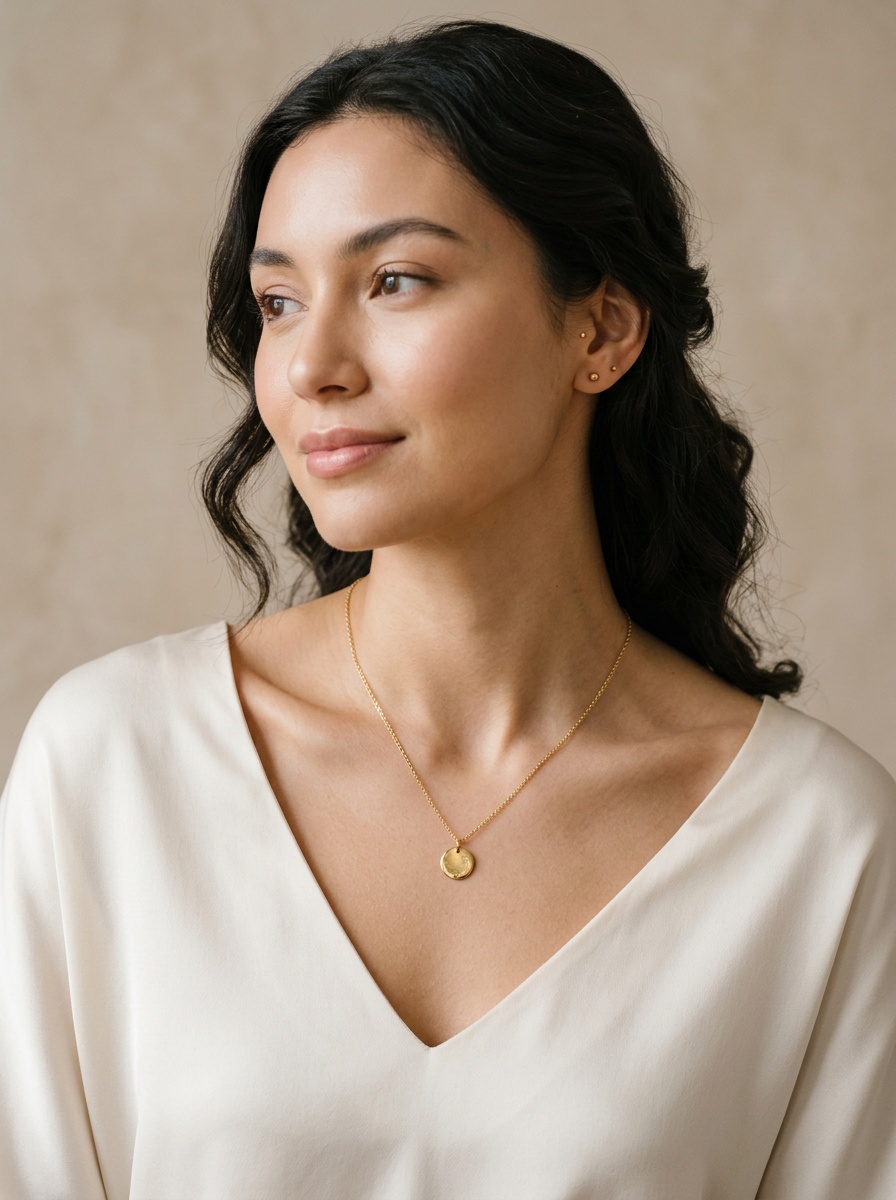
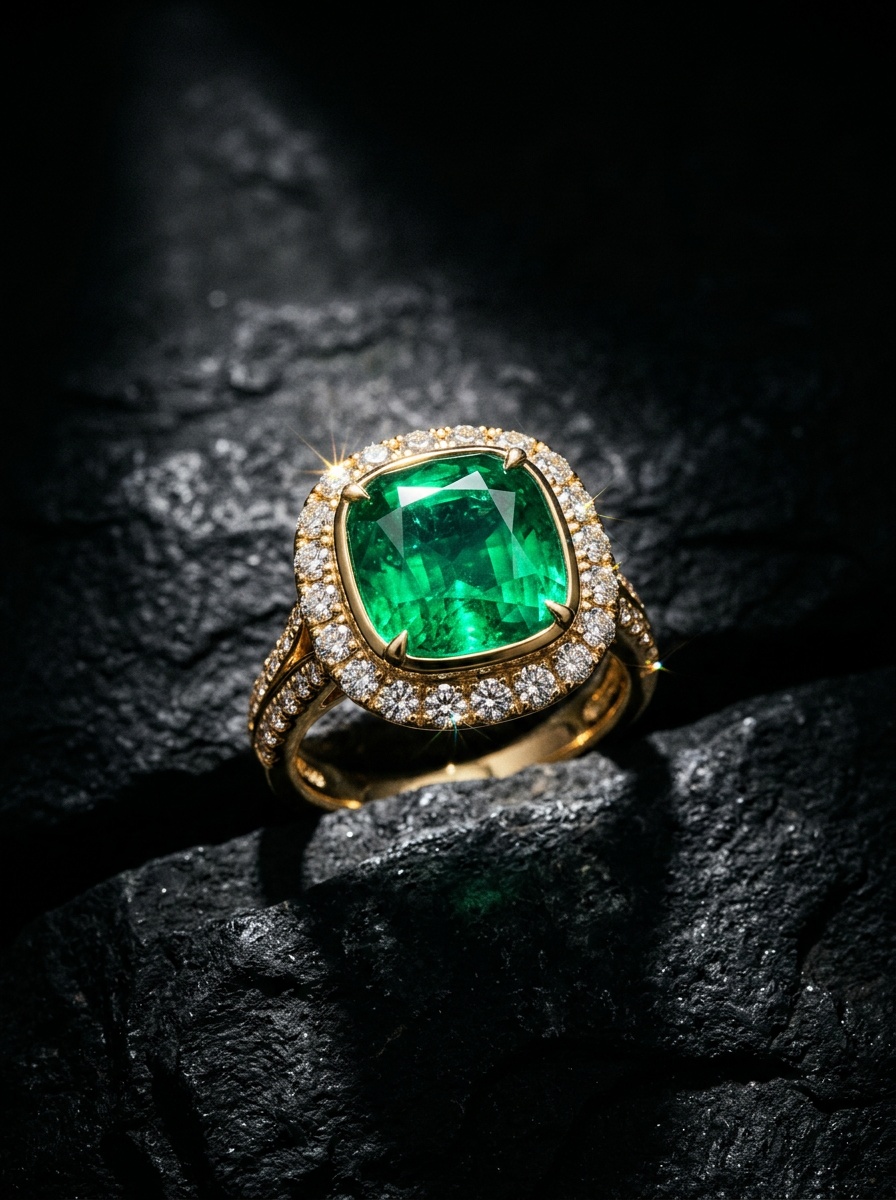
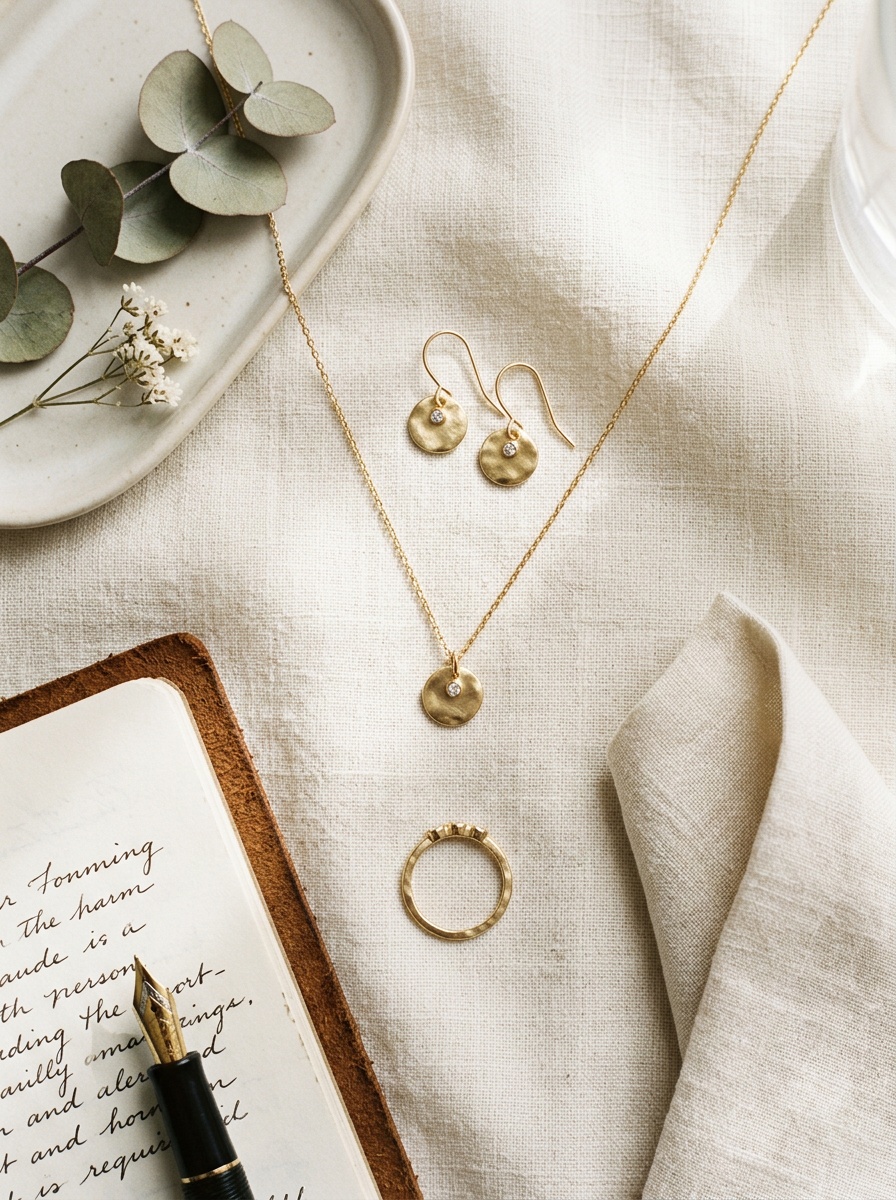
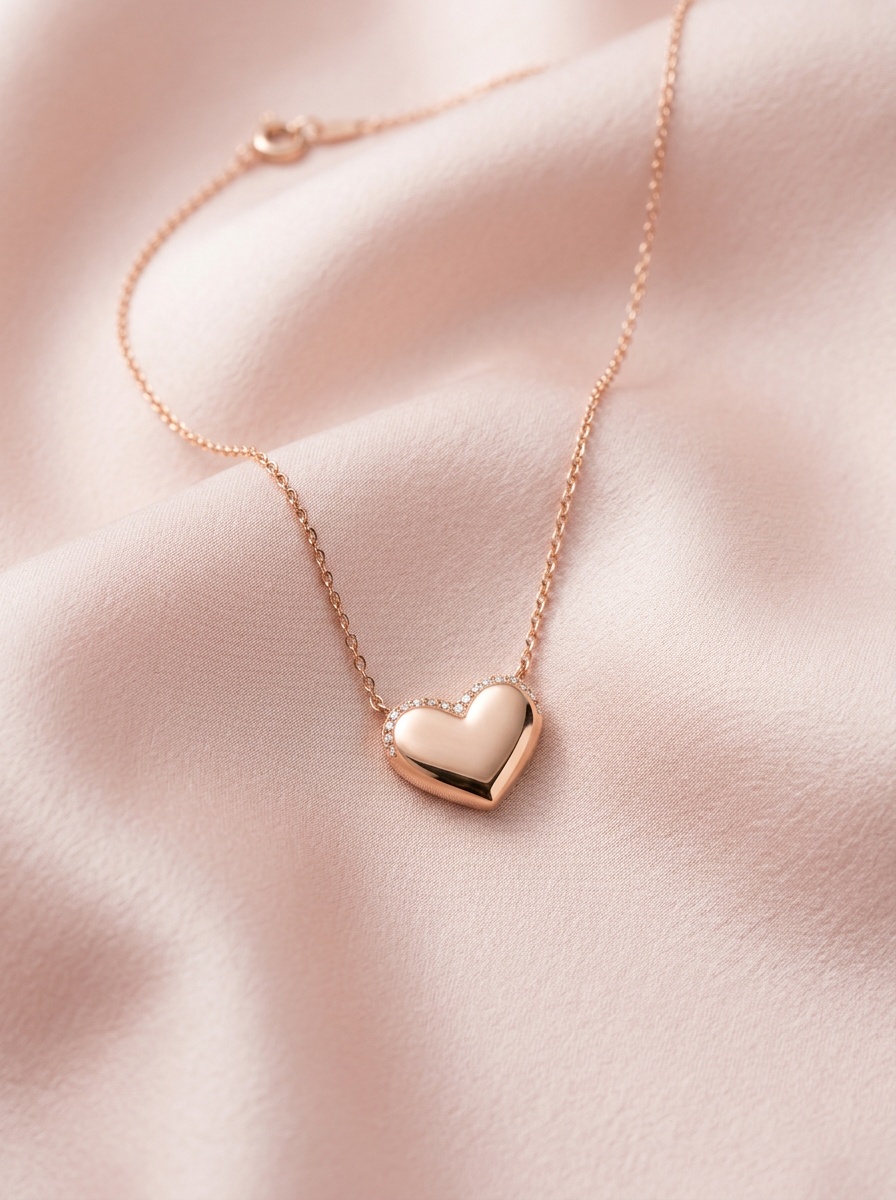
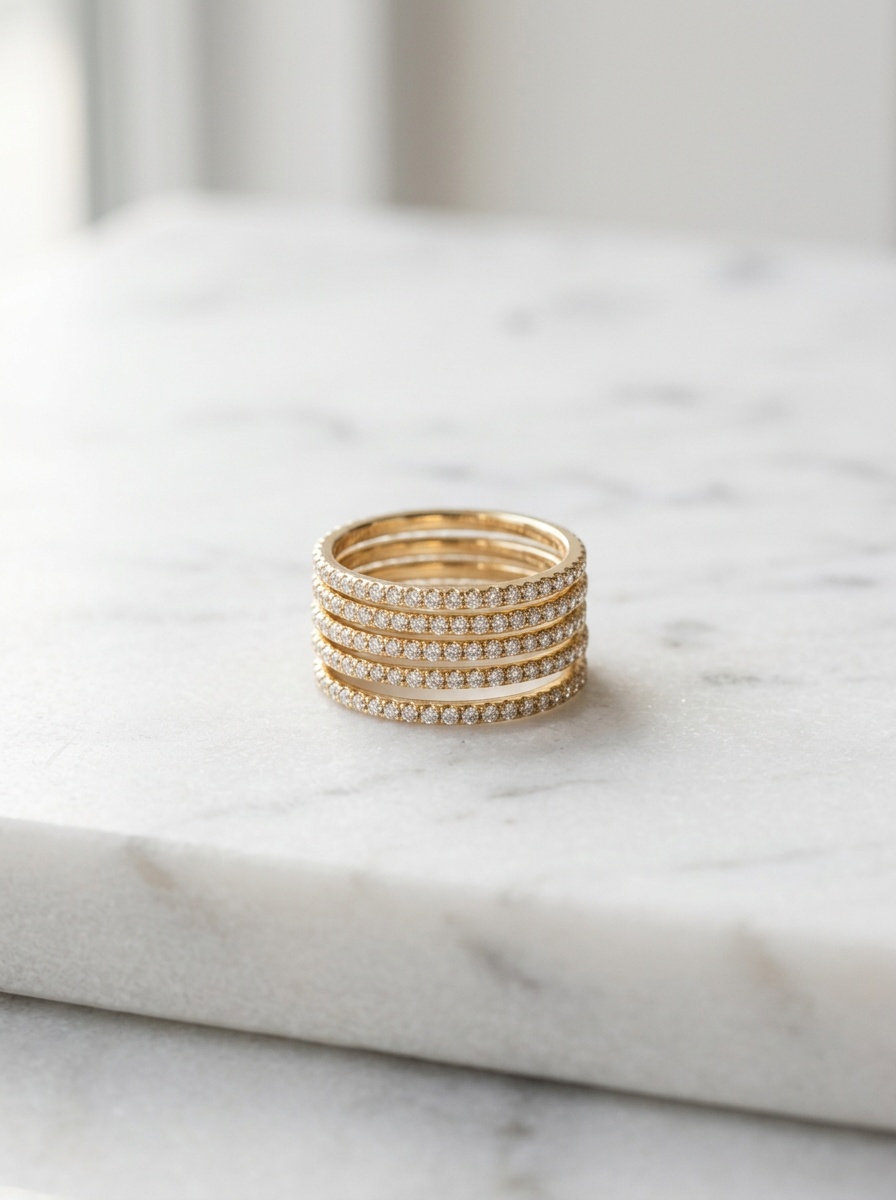
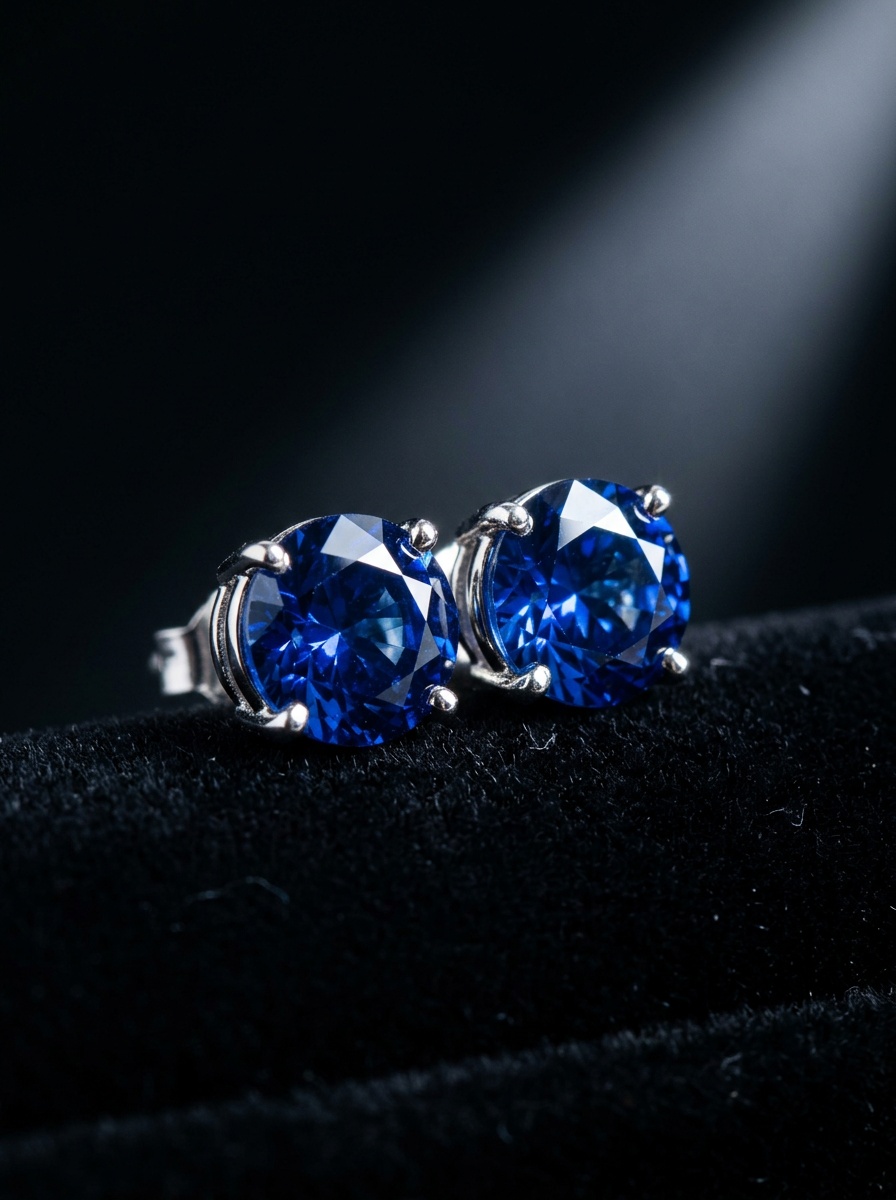
Gündelik JPEG, PNG veya WebP fotoğraflar olur — telefon çekimi bile yeterli. Parçanın net göründüğü kareler işi kolaylaştırır; aynı parçanın birkaç açısı sonucu daha da iyileştirir.
Erişim, onaylı ekip hesaplarıyla sınırlıdır. Google hesabınızla giriş yapın; hesabınız henüz onaylı değilse bir yöneticiyle görüşün.
Stüdyo çekimleri ve denemeler genellikle bir dakikadan kısa sürede hazır olur. Videolar süreye ve detaya bağlı olarak birkaç dakika alabilir.
Evet — tamamlanan herhangi bir görseli sonuç ekranından doğrudan video ya da deneme aracına gönderebilirsiniz.
Görseller yüksek çözünürlüklü PNG, videolar MP4 olarak gelir — mağazanız ve kampanyalarınız için hazırdır.
Ekip hesabınızla giriş yapın, ilk stüdyo çekiminizi dakikalar içinde oluşturun.